

Add Content
Content is anything that plays on your displays — images, videos, pages you design, apps and links.
Upload media
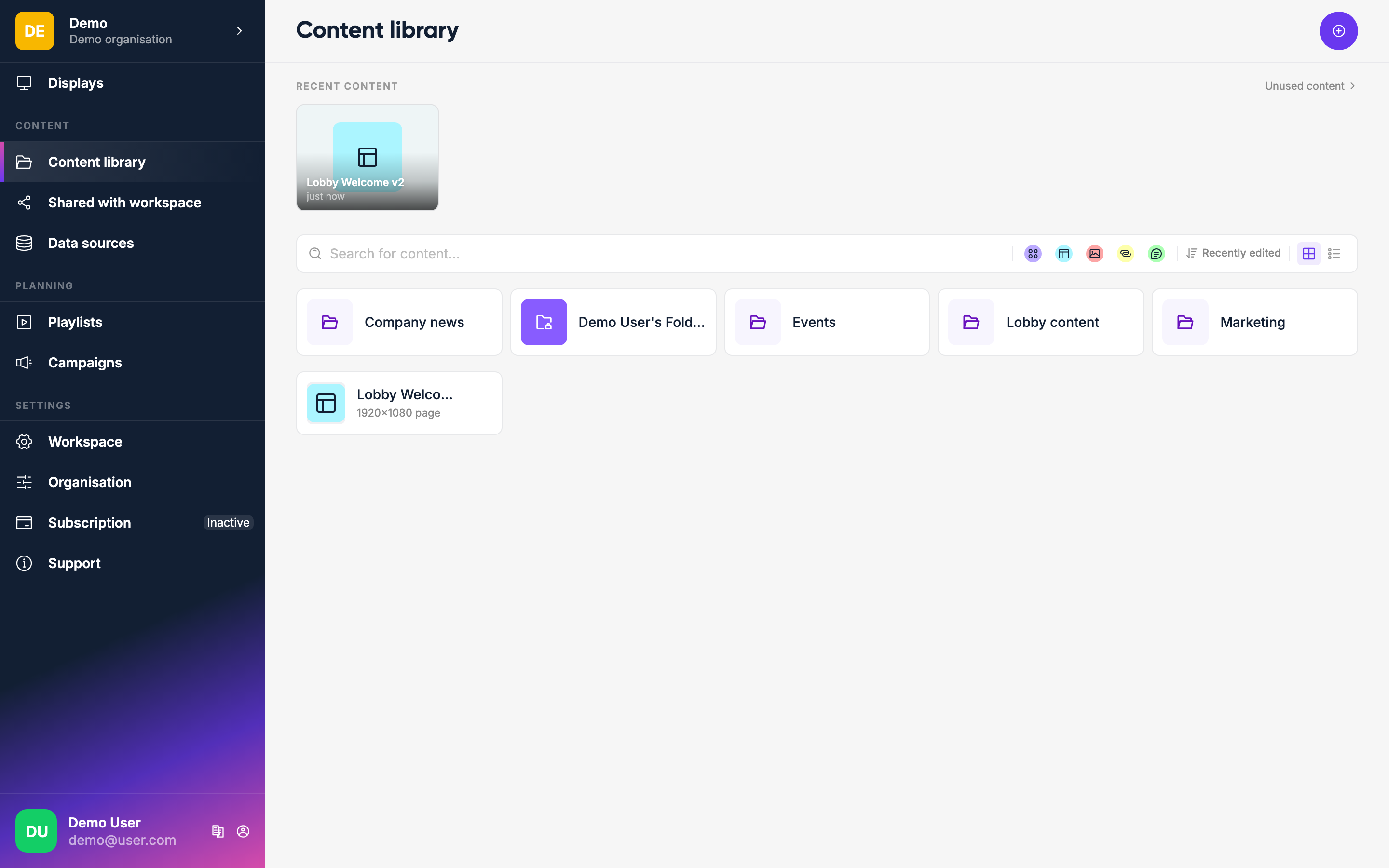
Go to Content in the sidebar. Click Add, choose Upload media and select images, videos or audio from your computer. You can also drag files straight into the library.
INFO
For text-based content, design a page rather than a Message — the Message content type is deprecated and will be removed in a future release.
Supported formats are JPEG, PNG, GIF, SVG, HEIC, MP4 and MP3.
Organize with folders
You can create folders to keep things tidy. Click Add, choose New folder and give it a name. Drag items into folders or use Move content from the item menu.
What's next
Once you have content, you put it into a playlist — which controls the order and duration of what plays on your displays.