Workspaces and organisations
When you create your first organisation, Lumicast automatically creates a workspace for you called "Workspace".
An organisation can have multiple workspaces. A few reasons this is useful:
- Multiple locations — each location lives under the same organisation, but each has its own workspace. Each employee only gets access to the workspaces they need.
- Multiple teams with different content — each team gets its own workspace, and content can be shared between them to enable collaboration.
Users and access
People belong to the organisation, not to a single workspace. Each user has an access type: Admin and Owner have full access to every workspace, while Member and Billing users only reach the workspaces you give them access to, each with a role. You manage all of this under Organisation → Users — see Change workspace user permissions.
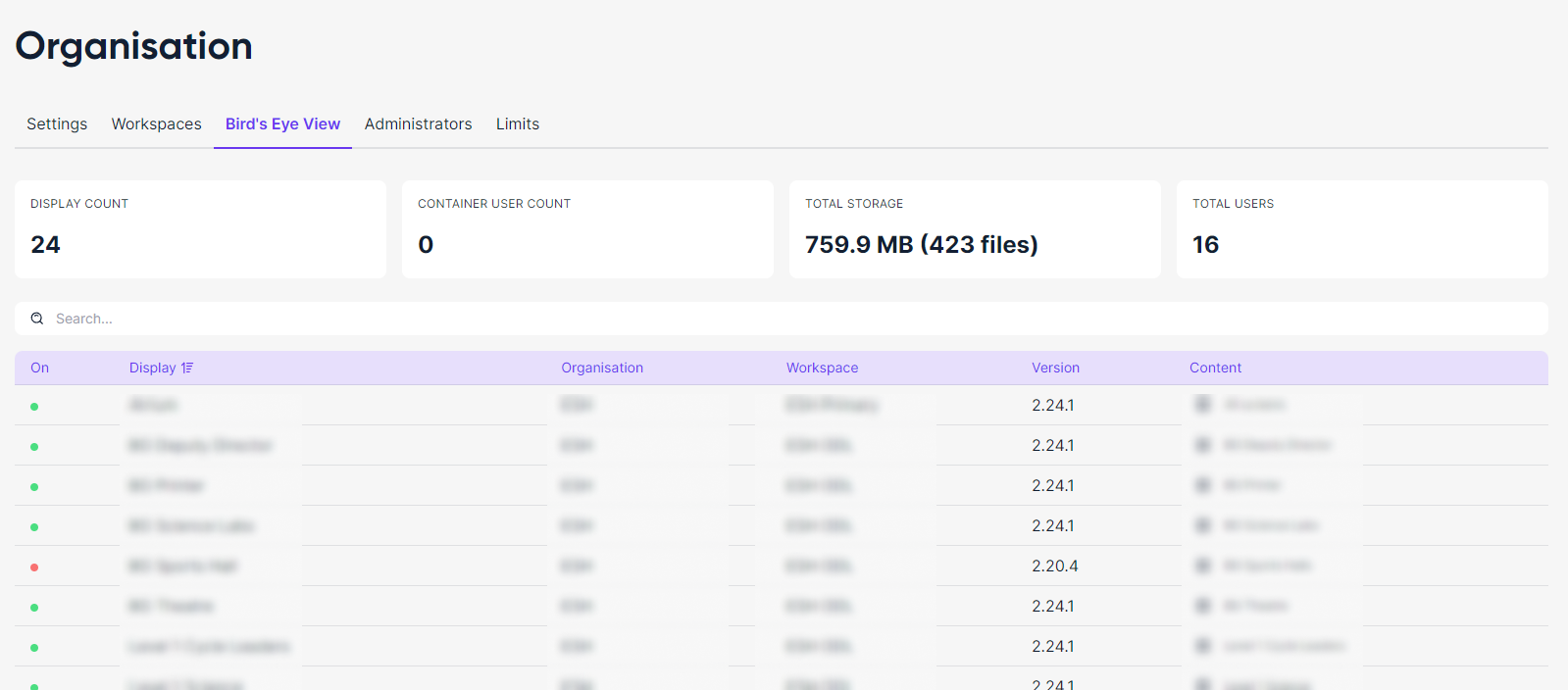
Bird's Eye View
In your organisation's Bird's Eye View you can see all displays across every underlying workspace: