

Organisations & Workspaces
When you register with Lumicast, an organisation is created for you, and your first workspace is created inside it automatically.
The relationship
An organisation can contain multiple workspaces. Each workspace has its own displays, content and settings — completely separate from other workspaces. The subscription and the people with access are managed at organisation level.
Example use cases:
- Your company has multiple locations: each location gets its own workspace, all under the same organisation
- Different teams manage different displays: each team gets their own workspace, and content can be shared between them
Most day-to-day work happens inside a workspace.
Bird's Eye View
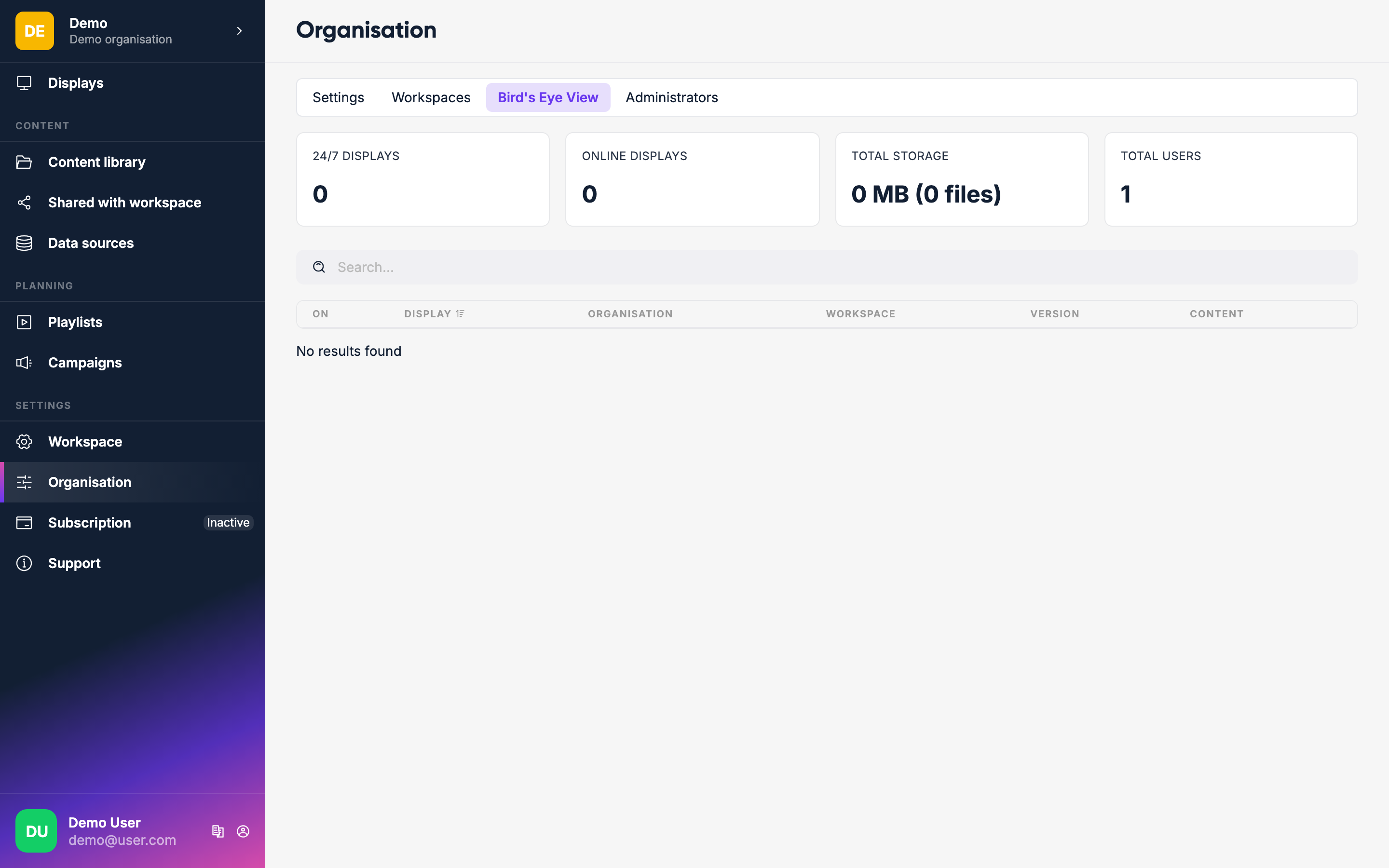
Go to Organisation → Bird's Eye View to see all displays across every workspace at a glance — useful when managing large deployments across multiple sites or locations.
Multiple workspaces
To create additional workspaces, go to Organisation → Workspaces and click Create workspace. The Solo plan includes one workspace; Team includes unlimited workspaces. People can have access to several workspaces (managed under Organisation → Users), so someone who manages both the lobby displays and the office displays can reach both workspaces without separate accounts.