

RSS feed app
Pull in news articles from any RSS feed URL and show them on your displays.
Creating an RSS feed app
Go to Content > Add > New app and search for the RSS feed app.
Click the app to start creating a new app:
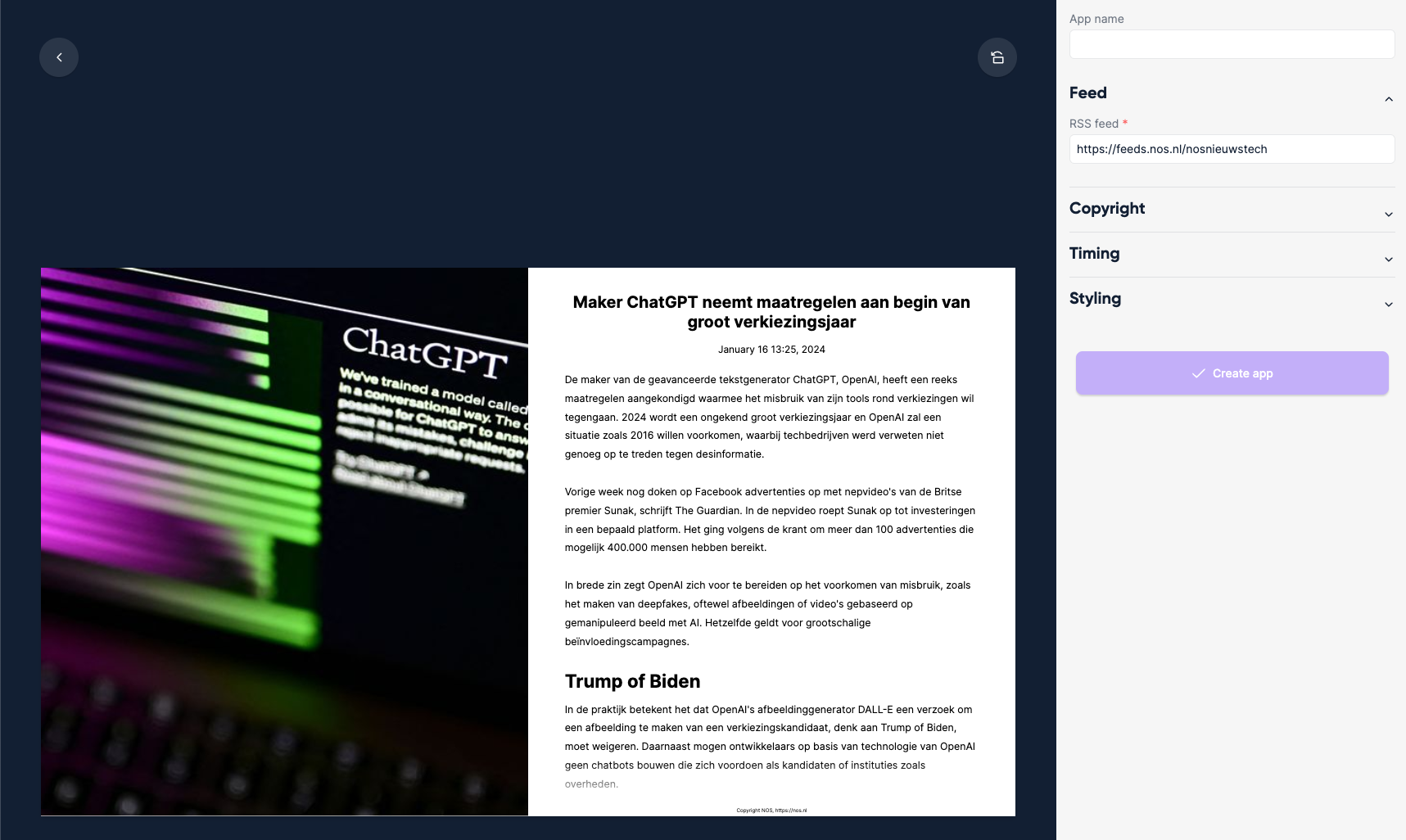
Enter an App name.
Enter the URL of the feed you want to show in RSS feed.
Click Create app.
All configuration options
| Setting | Explanation | Required |
|---|---|---|
| App name | A recognizable name shown in your content library | Yes |
| RSS feed | The URL containing RSS feed data, e.g. https://feeds.nos.nl/nosnieuwstech | Yes |
| Hide source | Hide the copyright notice | No |
| Infinite scrolling | Combined with the "Tickerline" page style, creates an infinite scroll effect | No |
| Seconds per item | How long each item is shown | Yes |
| Amount of items | Number of most recent items to show | Yes |
| Font | Font family used throughout the app | No |
| Page style | Layout: image left, right, at the top or at the bottom of the text, Image and titles, or Tickerline (default: Image left, text right) | Yes |
| Maximum number of lines | Limit lines per article | Yes |
| Background color | Background color of the app | Yes |
| Text color | Text color of the article | Yes |
| Maximum number of paragraphs | Alternative to line limiting — cap by paragraphs | No |
| Align text in center | Center-align all text | No |
| Show publish date | Show article publish date (not supported in Tickerline) | No |